Reduce manual handoffs.
A guest sends a request with the room number and service details. The responsible department receives it on its board, ready for the team to pick up.
See the staff workflow
Screon In-Room / Hotel guest service software
Hotel services on an in-room tablet. Guests send requests, staff take care of them, and managers monitor service delivery.
Guest services · Hotel operations · Hotel offers
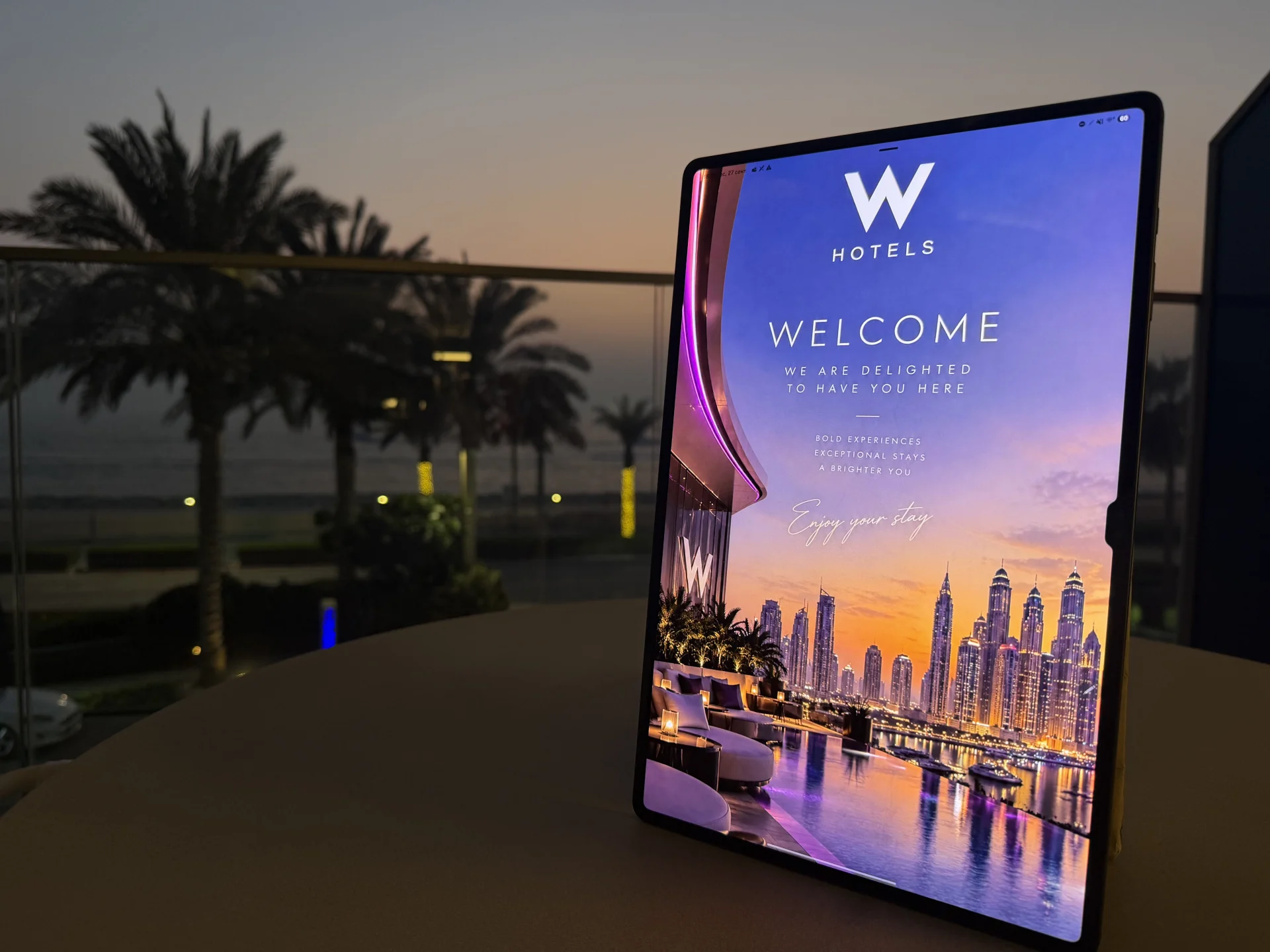
Everyday hotel operations
A guest sends a request with the room number and service details. The responsible department receives it on its board, ready for the team to pick up.
See the staff workflowUpdate service descriptions, opening hours and availability in the admin panel. Manage the information guests use to choose a service.
Explore content managementAssign a staff member and update the status as work progresses. Colleagues can see who is handling the request and which tasks still need attention.
Explore the request boardVideo demo
Watch a Screon In-Room demonstration of the guest interface and hotel workflows.
Easy for guests. Clear for staff.
Guests request a service directly from their room. The team sees the room number, request details and assigned staff member.
Services are already on screen. Guests can contact the hotel when it suits them and track request progress.
Guest interfaceA simple board shows new and ongoing tasks. Accept the request, assign a staff member and record the outcome.
Hotel operationsSee which requests need attention and who is handling them. Keep hotel services and offers visible to guests throughout their stay.
Management & contentHow a request works
Guests see that their request has been accepted. The team receives the room number and request details together.
Selects the amenities needed and sends a request from the tablet.
Sees the room number, assigns a colleague and updates the status.
The team closes the task. The guest sees the updated status.
Information and offers
A restaurant invitation or spa offer appears where guests spend time: in their room. It is another opportunity to introduce your services and receive an enquiry. Your team confirms availability and details.
Explore the guest experienceScreon In-Room pilot
A pilot in 10–20 rooms: guests use the service and staff handle requests. Over 30 days, you can assess ease of use and identify what you need to expand across the hotel.
Pilot programmeCare guests can see
After cleaning, a staff member sends an update. Guests can see the work has been done and have an easy way to ask for anything else.
Next step
We will follow a request from guest to staff and discuss the first services for your pilot.